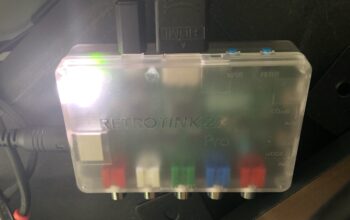
Data storage and retrieval on the original Commodore 64 systems essentially consisted of three types: Cassette tapes, Floppy Disks, and Hard Disks. The cheapest of these solutions is certainly the cassette tape, supported by the Commodore C2N Datasette which connected to the Tape Interface on the back of the C=64. This solution—found on many of the 8-bit computers of the 80’s—was extremely slow and didn’t allow random file access, but you get what you pay for. On the other end of the spectrum were the Commodore D9060 & D9090 Hard Disk Drives which delivered a whopping 5MB and 7.5MB or storage, respectively, and had a cost that was many times over the cost of the actual C=64 itself.
Cassette tapes were slow and the hard drives were way too expensive, but sitting happily in between were the Commodore 1541 Floppy Disk Drives. While browsing through eBay.de looking for Commodore items will show that the market for programs on cassette was quite big in Europe, the floppy disk was the dominant format in the USA where, again, the drive probably cost the same as the computer. And, if you’ve ever seen a 1541 Floppy Disk Drive before, then you also know they were practically the same size as the breadbin C=64s of the time, taking up a huge amount of real estate on desks. One can still find these floppy drives easily on the second-hand market, but there is a more modern solution available which provides great compatibility with modern computers and operating systems: the SD2IEC.
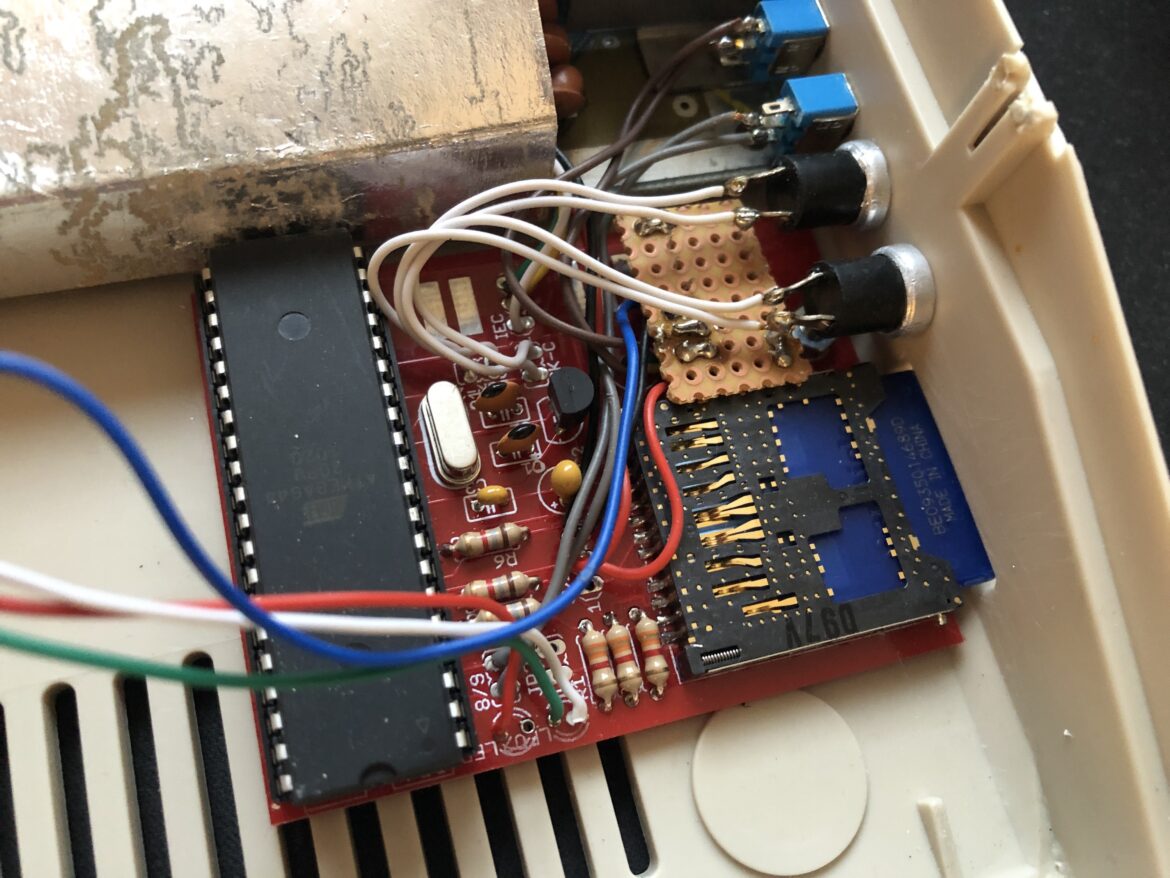
Instead of using magnetic media to store data, the SD2IEC uses a standard SD memory card. This means no moving parts and, as you can probably imagine, the solutions is a lot smaller than any of the hardware solutions mentioned above. In fact, the SD2IEC is so compact that one can actually be installed inside a Commodore 64, as is the case with my Commodore C4C. Not only does this free up tons of desk real estate, it comes with a number of other benefits.
Right off the bat, one of the first benefits is the amount of storage space available. 7.5MB in the D9090 HDD? Laughable—you can have up to 32GB of storage available on the SD2IEC just with one SD card. One basically just needs a single SD card for all their needs (in fact, it’s probably the case that all software ever created for the Commodore 64 over its entire lifespan could be fit on a single SD card with tons of room to spare). Because of this, the only real reason to leave the SD card exposed externally is to allow transfers to a PC. Otherwise, one could just tuck an SD2IEC away inside a computer and treat it similar to a modern SSD.
Speaking of SSDs, the SD2IEC can also seem like an SSD when paired with JiffyDOS. With JiffyDOS enabled, file transfers to and from the SD2IEC are lightning-fast (in comparison to all the other C=64 solutions…all things being relative) and it almost feels like the C=64 got an actual speed upgrade as a result. One of the greatest examples of this is when running GEOS from an SD2IEC/JiffyDOS combination—the OS loads up in a snap, programs launch immediately, and it basically feels like the performance of an early Windows 3.1 system or such. It takes what was excruciatingly-long load times and reduces them down into totally acceptable levels.
The only real downside of the SD2IEC is that it does not emulate all the behaviors of the original 1541 Floppy Disk Drives. As a result, programs that rely on the quirks of the 1541—like for copy protection or special loaders—tend not to work on the SD2IEC, even with JiffyDOS turned off. Therefore, then SD2IEC is not a total replacement for an actual 1541 drive, but it can get you very far in most cases; where it fails, the 1541 Ultimate II+ can fill the gap.
One of the things I really like about the SD2IEC is that there is something always mounted. From the moment you turn on the computer, you can access files on the SD2IEC in the same way you would if there was a real floppy drive attached to the computer. It supports directories to keep everything organized (a flat list of 32GB-worth of files would be ridiculous to navigate) but also supports disk images which helps with compatibility. One can navigate all of this using normal software file browsers like FB64 and Fibr, and it also includes hardware buttons for swapping disk images to maintain a standard workflow.
The SD2IEC does come in many other form factors, being an open-source design. You can find many external versions which draw power from the tape interface and connect directly to the IEC bus on the back of the C=64—these all work the same as the internal version. There are even some clever builds where they’ve housed the SD2IEC inside 3D-printed housings that look like miniature 1541 Floppy Disk Drives.
If you going to try to do anything with a Commodore 64 these days, it’s wise to have at least one SD2IEC on hand.